 MycroftRun the suite through Goose with a local model, AI subscription, or zero-data-retention provider.
Indicator Lab Workshops
Workshop 01 · 28 August 2026
Going Sovereign
Build custom agent workflows for investigations—then make them usable on infrastructure and small models you control.
HostTom VaillantRuntime55 min + 5 min Q&A
IND-LAB · LS-01
Your host
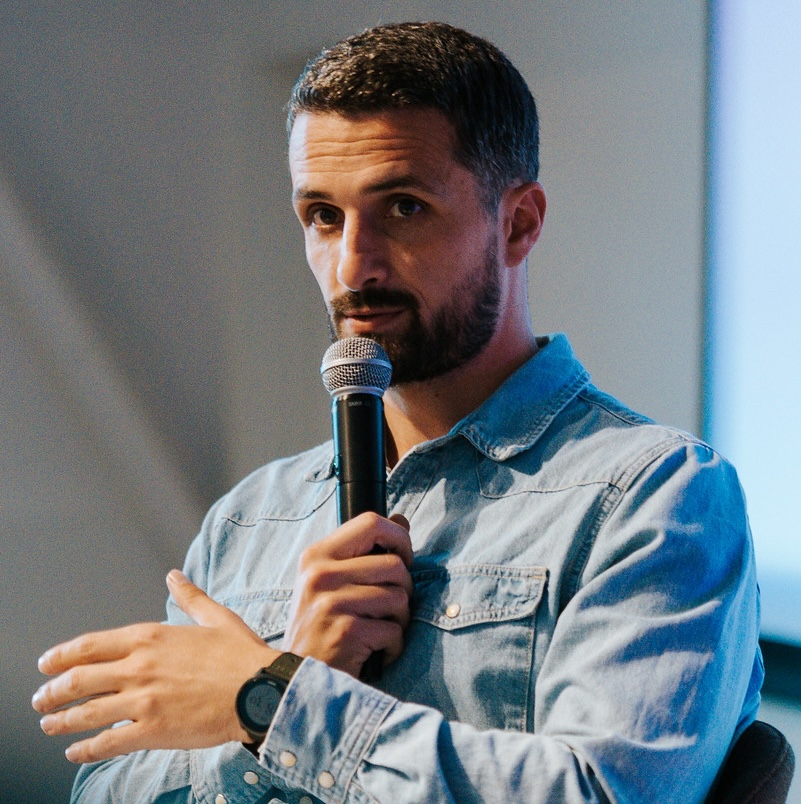
Tom VaillantTom Vaillant
Investigative Technologist
I'm a visual journalist and creative technologist uncovering stories hidden in data. Using AI to accelerate investigations and building open-source tools for journalists and researchers.
- CUNY Newmark AI Journalism Lab — Builders Cohort
- Pulitzer Center grantee
- Innovation Fund for Multimedia Journalism grantee
- Columbia J-School · LEDE Program
- Ex–Red Bull creative technologist · agencies
- Worked with NZZ, Le Temps, The Pudding, and MuckRock
Indicator Lab
Tinker with us
Tools, methods, live workshops, and practical support for putting owned workflows into use.
Indicator Lab · Desktop
Live demoOne place to install and maintain the tool suite
WINWindows
MACmacOS
LNXLinux
Indicator Lab · Tool suite
Five tools · one workspaceFive tools for the full investigation cycle
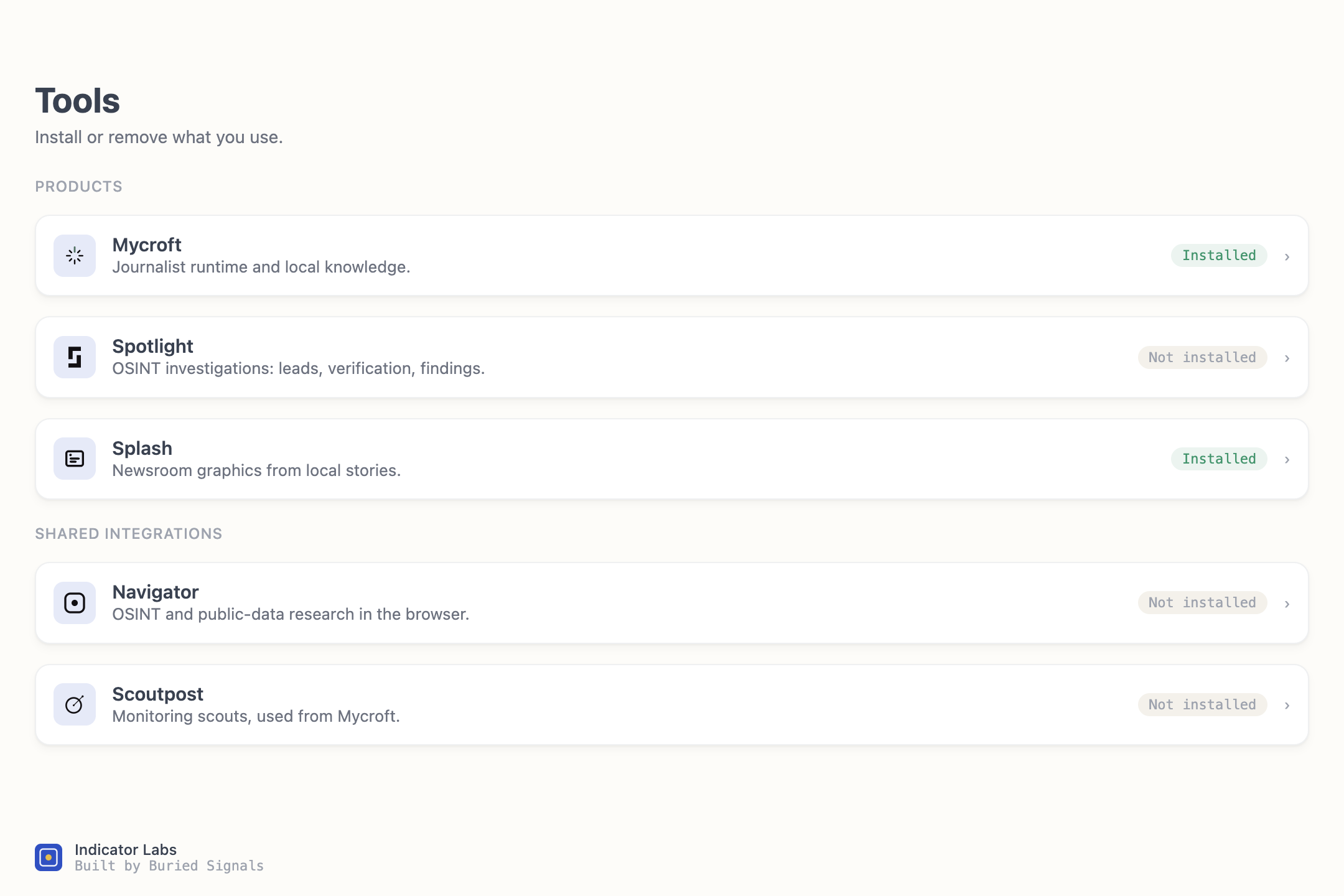
MycroftRun the suite through Goose with a local model, AI subscription, or zero-data-retention provider. SpotlightMethodology, OSINT research cycles, evidence, fact-checking, and reusable case archives.
 ScoutpostMonitor pages, social profiles, councils, aircraft, vessels, and your beat for leads.
 NavigatorFind OSINT methods across Indicator’s archives and more than 13,000 tools.
 SplashTurn sources and data into reviewed charts, maps, stories, and visuals.
Use each tool independently—or connect the full suite through Mycroft.
Indicator Lab · Membership
Coming September 2026Practical help when you need it
Learn from working examples and get direct help with your own setup.
$10 / month · add-on to Indicator ProNext office hours · next week
Indicator Lab Workshops
A live series, not one formatFour ways these workshops can earn the hour
- Investigation debriefs: journalists unpack a real workflow—including where AI helped and where judgment stayed human.
- Newsroom operating tours: how teams monitor sources, surface leads, and run recurring reporting work.
- Practical workshops: build or test a method together, with the setup and failure points visible.
- Deep-dive workshops: start with the basics, then go deeper—like this Going Sovereign workshop.
At office hours: bring installations, local models, keys, reporting questions, and broken workflows. I’ll also ask which formats and topics are most useful—future Lab Workshops will follow member priorities.
The goal
Why investigators should careBuild reporting workflows you own
- Keep sensitive material on infrastructure you control.
- Turn recurring reporting work into a method colleagues can run again.
- Keep the model replaceable: use cloud for open material, local when custody matters.
01 · Model
First: what’s a model?
Forget the chat window for a minute. Start with the thing underneath it.
Model · The simple version
Text in · text outA model is a very good next-token guesser
- It reads the context you give it and predicts what should come next.
- It cannot fetch evidence, write a case file, or wait for an editor on its own.
- Without a harness, the only thing it can return is more text.
02 · Harness
Now: what’s a harness?
The harness is what turns a talking model into a system that can do work.
Harness · The simple version
Model + system around itThe harness is everything around the model
A harness is code around the model: it builds the context, calls the model, exposes tools, runs selected actions, stores results, and calls the model again when needed.
Harness · Desktop agent apps
Claude or ChatGPT DesktopA GUI around a harness around a model
That is the useful shorthand for Claude or ChatGPT Desktop. The harness supplies context, tools, and state; the model does the reasoning.
A simplified mental model for a familiar desktop agent app.
Harness · Places to start
Toolkit · framework · runtimeYou do not have to build a harness from scratch
TypeScript building blocks for model providers, tools, sessions, and the agent loop.
Builds on Pi with routing, subagents, application structure, and durable streams.
A desktop and CLI agent with extensions, MCP connections, and configurable models.
Tools, handoffs, guardrails, sessions, and tracing around OpenAI models.
Claude Code-style agent capabilities, tools, permissions, and sessions as an SDK.
Model and tool orchestration, workflows, evaluation, and deployment building blocks.
03 · Working example
Building sovereign workflows with AI
Spotlight is the example: an OSINT agent system that worked on frontier models, then became the blueprint for local infrastructure and small models.
Spotlight · What it is
An OSINT agent systemSpotlight is an agent system for running OSINT investigations
It takes a lead through methodology, research cycles, evidence archiving, independent fact-checking, and a reusable case archive.
LeadURL · document · tip
→Scope + methodDefine the investigation
→ResearchSearch · archive · evidence trail
→Independent checkClaims · gaps · contradictions
→Report + vaultVerified artifacts you keep
InvestigateOSINTFollow the moneyWeb archivingEvidence groundingReport drafting
Going Sovereign · The transferable blueprint
Custom workflow · owned infrastructureMaking Spotlight local produced a transferable blueprint
The same pattern can create custom sovereign workflows for any newsroom or company—run through its existing harness, or through a small local model when needed.
Add validation or human approval only where the workflow needs it.
Harness · A newsroom example
One repeated beat taskExample: turn a council agenda into a lead brief
New agendaPDF appears every Friday
→Beat contextWatchlist · prior decisions · entities
→Research toolsExtract · compare · search records
→Editor checksAre the anomalies real and relevant?
→Lead briefSource-linked changes and next calls
The same controlled path runs next week. The journalist still decides whether there is a story.
Transferable blueprint · Examples
Separate workflows · shared patternOne blueprint can support very different workflows
Surface linked entities, conflicts, and source-backed alerts.
Find material changes and produce a lead brief with interview questions.
Build an entity map and identify gaps that need reporting.
Create a cited brief or reusable decision record.
Turn meaningful changes into a review and fact-check queue.
Extract relevant facts into a structured, source-linked record.
Going Sovereign · The challenge
Frontier-capable → small-model usableHow do you move a frontier workflow onto a small model?
Spotlight already worked with frontier models. The local 12B failed because the frontier-shaped harness overwhelmed it.
Frontier workflowLarge model copes with a heavy context and broad tool catalogue.
→Small model stallsToo much context, brittle tools, lost state, weak procedure discipline.
→Rebuild for the constraintSmaller context · helper RLM · working harness · procedure tune.
That engineering path—not a model-size comparison—is the Going Sovereign experiment.
Going Sovereign · Result
Laptop-class 12B · before and afterThe small-model path became usable
Correct, gated first-turn brief
Frontier-shaped harness · 205 s
Local-engineered path · 74 s
2.8×
Time to first token
Frontier-shaped harness · ~34 s
Local-engineered path · ~0.46 s
74×
Full gated investigation
Beforeloops · dies mid-methodology
Afterresearches · fact-checks · finishes with recovery
✓
Before and after use the same 12B and laptop. The difference is the local-engineered harness plus the narrow procedure adapter.
Going Sovereign · One useful pattern
RLM · Recursive Language ModelA small helper model reads the messy stuff first
RLM stands for Recursive Language Model: in Spotlight, it is a second, smaller model with one job—compress large, noisy inputs before the main investigator sees them.
Long page or transcriptUseful reporting mixed with navigation, boilerplate, and old turns
→Recursive Language ModelExtracts source-linked leads and a compact checkpoint
→Main investigatorSees the useful material and stays on task
The RLM is not the evidence and it is not the fact-checker. The untouched source stays in case files you control.
Use the pattern for: meeting transcripts, filings, long PDFs, monitoring feeds, or any input too noisy to send directly to the main model.
Going Sovereign · Under the hood
One human · two model processesThe sovereign topology
Small models · The practical decision
Bigger is fine when it fitsUse the largest model your infrastructure comfortably supports
Frontier or cloud worksFor open material, use it. No tuning needed.
→Larger local model fitsGreat. Run the stronger model on your own hardware.
→Only a small model fitsIf it repeatedly misses the procedure, tune the procedure.
Do not fine-tune to save a working model. Tune only when hardware or custody constraints make the smaller model the useful path.
Procedure tuning · A practical route
RunPod + UnslothHow do you teach a small model the procedure?
Run the workflow with a frontier model, keep successful traces, and simulate the failure cases you need to correct.
Human-review every decision, tool call, correction, and stopping point before training.
Use Unsloth with LoRA or QLoRA to train a small adapter on rented GPU hardware.
Merge and export, run a coherence check, then repeat the full task, capability, and safety evaluations.
Spotlight used 14 real trajectories and 12 targeted corrections. Total RunPod spend across the iterations was about $10.
Transferable blueprint · Build your own
Start with one useful jobHow can you use something like this?
Choose the jobWhat repeated work is worth automating?
→Define input + outputWhat arrives? What useful artifact should leave?
→Write the methodSkills, source priorities, checks, fallback rules.
→Connect tools + dataFiles, APIs, search, internal knowledge.
→Choose harness + modelExisting agent, cloud runtime, or local model.
Add validation or human approval where mistakes would matter. They are controls you choose—not the point of every workflow.
MonitoringResearchDocument reviewInternal knowledgeStructured alerts